
WELCOME TO THE UTMOST WEALTH MOBILE APP
Your policies at your fingertips – anytime, anywhere
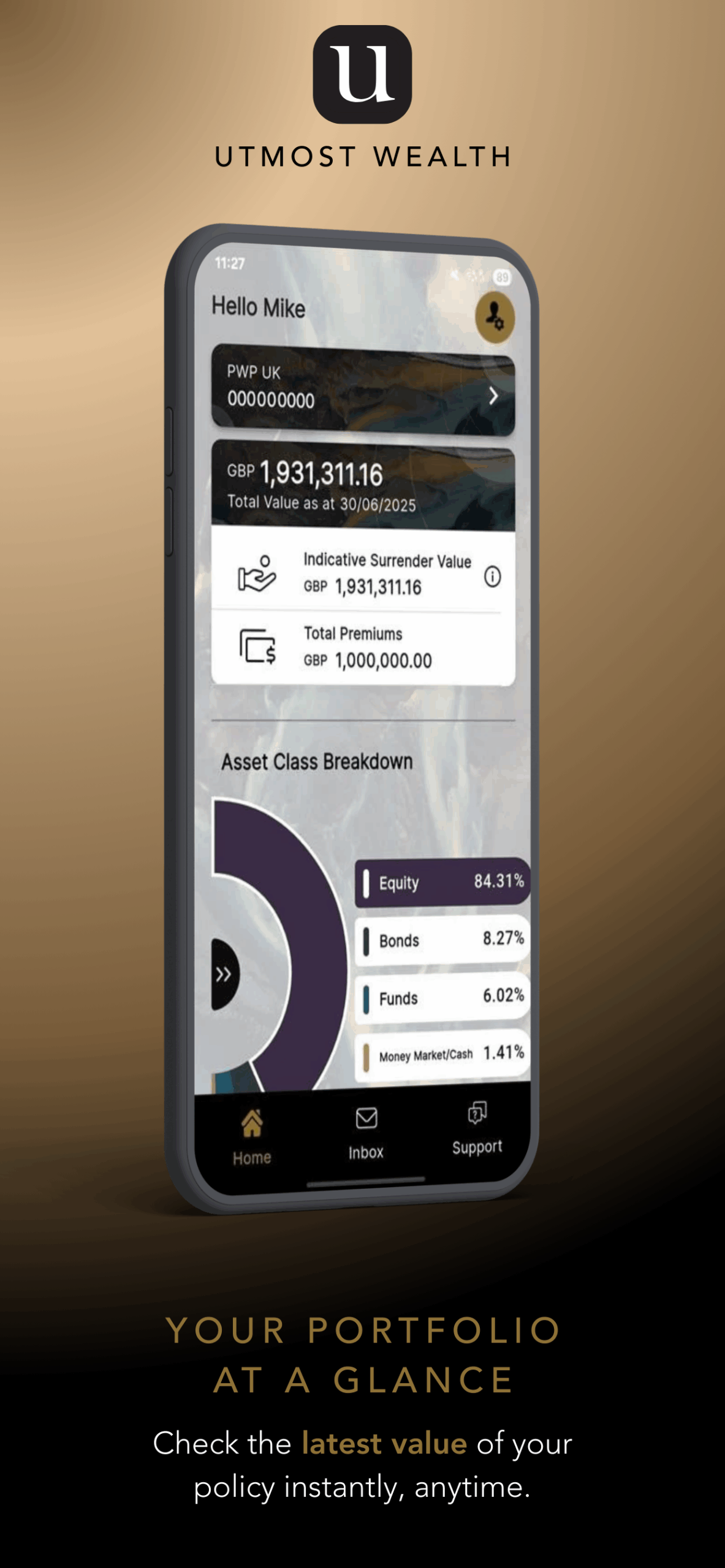
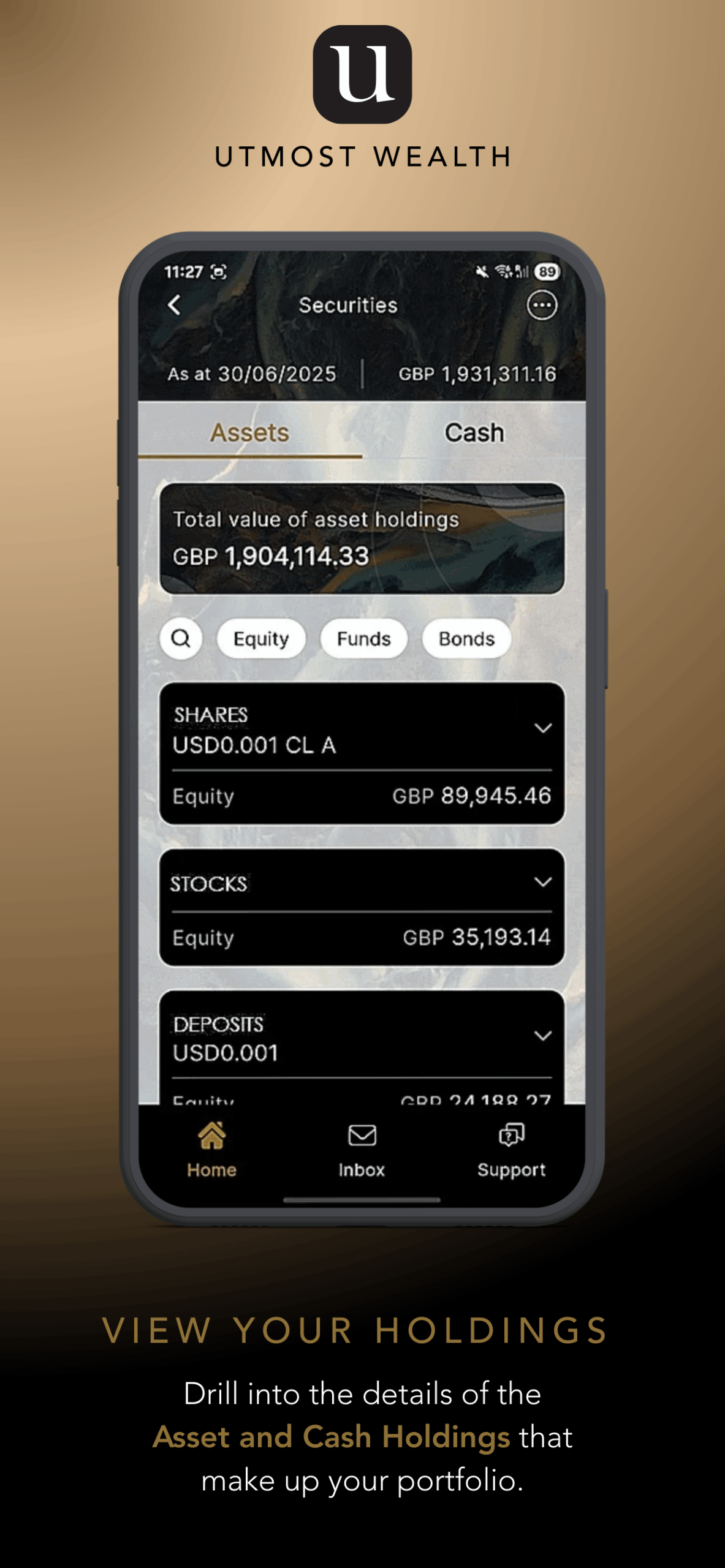
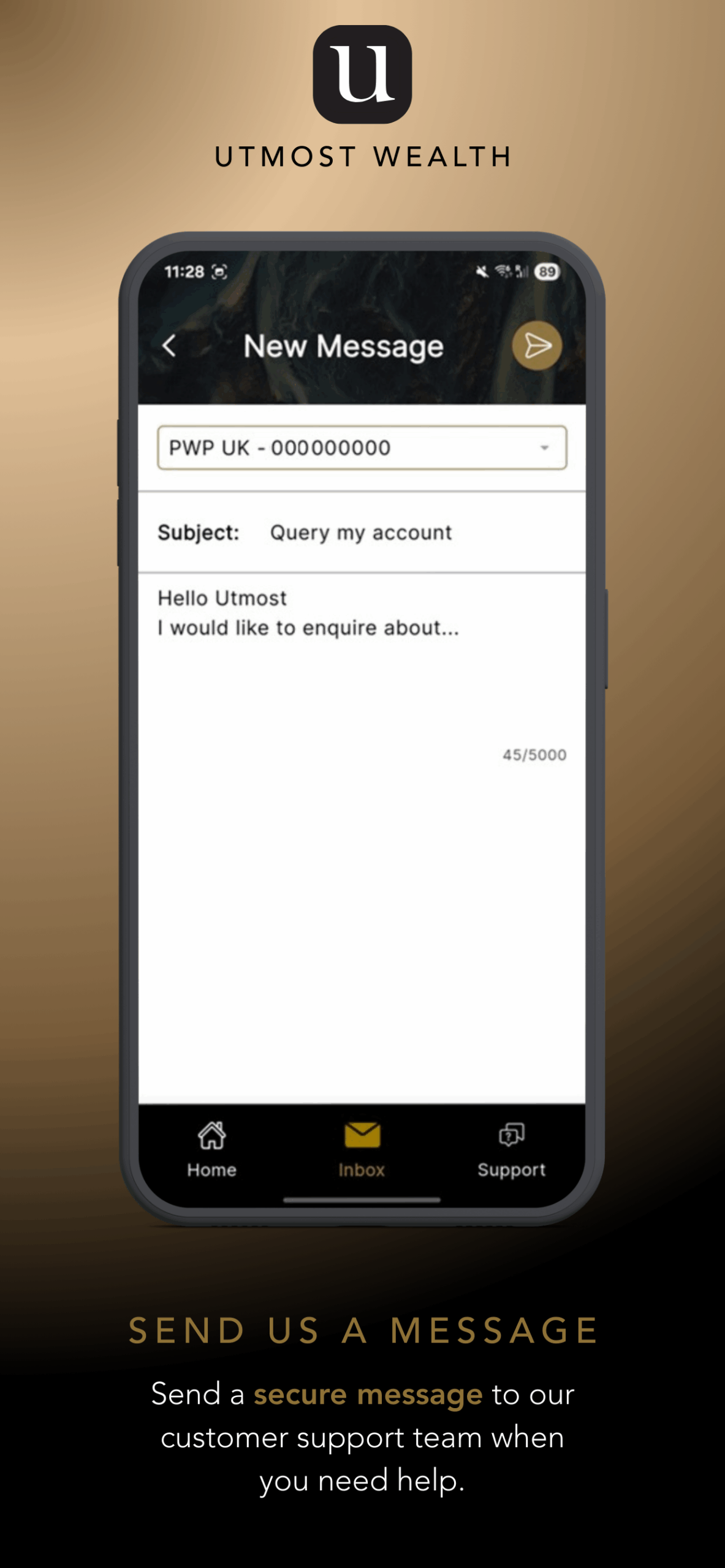
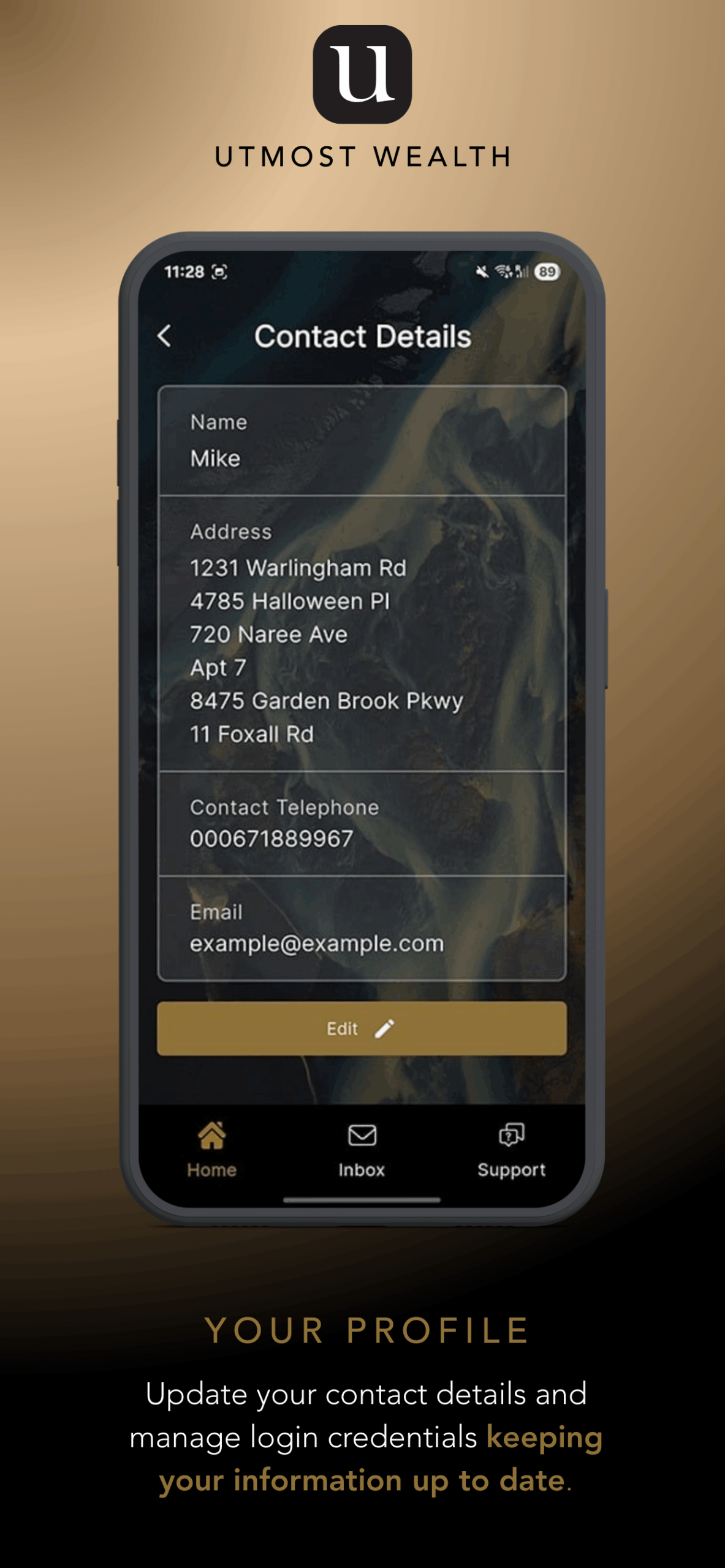
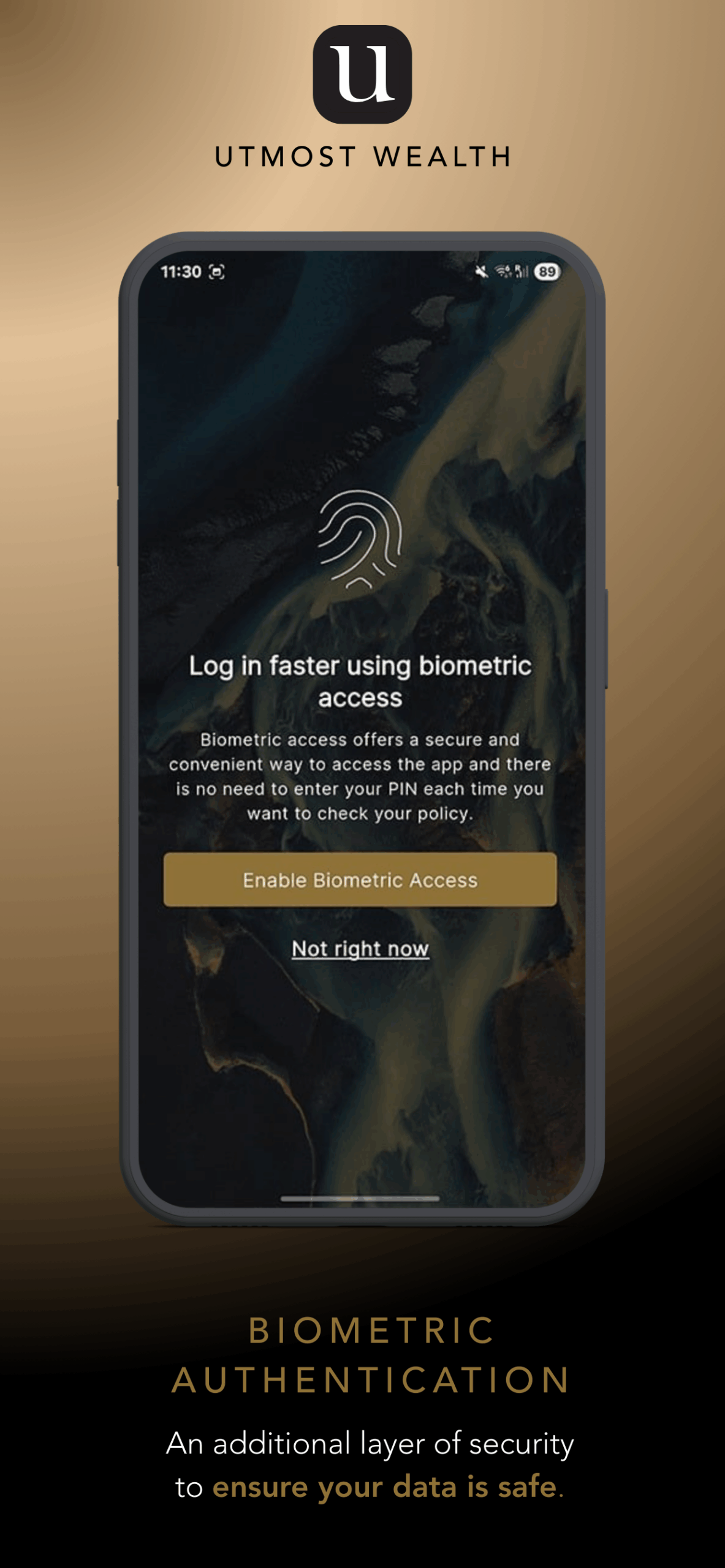
We have made it easier than ever to manage and check your policy.
With the Utmost Wealth Mobile App, you can securely access your information on the go
– whenever it suits you.
HERE IS WHAT YOU CAN DO IN THE APP
- See all your policies in one place
- Check your latest policy values
- View detailed holdings – including cash, funds and asset breakdowns
- Send us a Secure Message
- Log in securely with the same details you use for the Online Service Centre
GETTING STARTED IS SIMPLE
STEP 1: Download the Utmost Wealth App on Your Phone
On your mobile device, open the App Store (for iPhone/iPad) or Google Play (for Android).
Then simply search for “Utmost Wealth” and download the app.
If you are already on your mobile device, you will find the Utmost Wealth App here:
STEP 2: Sign in with your OSC details
There is no need to register again, just use your usual username and password. Please note that multi-factor authentication must be enabled on the Online Service Centre (OSC).
STEP 3: You’re all set!
Explore your policies, check values, and stay connected wherever you are.
SAFE AND SECURE
Your security is our top priority.
The Utmost Wealth Mobile App uses the same trusted technology as the Online Service Centre to keep your personal information safe.
NEED SOME HELP?
If you need help getting started, we’re here for you. Contact us by telephone or email.
T +44 (0) 20 3966 5662
E [email protected]
READY TO TRY THE MOBILE APP?
Just open the App Store or Google Play on your phone and search for “Utmost Wealth.”
Once the app is installed, sign in using your usual OSC login details – and you’re good to go.
If you are already on your mobile device, you will find the Utmost Wealth App here: